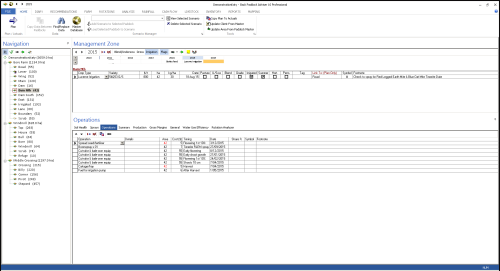
Create Linked Paddocks
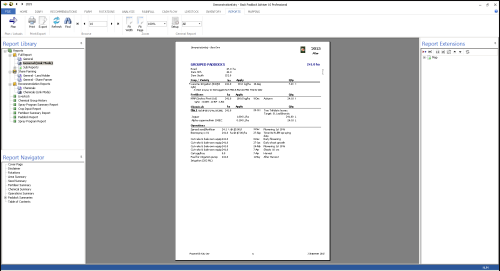
- Open Adviser
- Open required Client File
- Click Home tab
- Determine your Parent and Subordinate Paddocks, the Parent will be the one you continue to modify
- Click on your subordinate paddock
- Click the Flags icon in the sowing toolbar until you see a red cell - "Link To: (Plan Only)" this will be on the right hand side after a series of tick-boxes
- Click in the Link To cell
- Select the Parent paddock from the list
Your Paddock has now been linked to the Parent paddock selected. Repeat steps above for additional subordinate paddocks.